

Solutions
Start from the setup closest to how you work.
When you create a business you pick a template. It decides how items are counted, which units and fields you start with, and which parts of the app are switched on. It doesn’t lock anything: all of it can be changed later in Settings.
Below are the trades we’ve written up in detail, with what each one gets and what it doesn’t.
- Retail shopsA counter screen for scanning and charging, with stock that follows every sale.Template: Retail Store or Grocery
- Wholesale and distributionCartons and pieces, price lists, credit limits and who owes what.Template: Wholesale / Distribution
- Electronics, mobile and repairsEvery unit by serial number or IMEI, with warranty and a repair desk.Template: Electronics & Mobile or Service Business
- Hardware and building suppliesPipes by the metre, nails by the kilo, cement by the bag, tools by serial.Template: Hardware Store or Construction Materials
- Clothing and footwearOne style in every size and colour, each with its own stock and barcode.Template: Clothing & Fashion
- JewelleryPieces tracked one by one with metal, purity and weights; raw metal by the gram.Template: Jewellery
- RentalsBookings without double-booking, deposits, extensions and late fees.Template: Rental Business
How the templates differ
Underneath, every business runs on the same engine. The differences are in how stock is counted and what you record about it.
| Industry | Counted by | Extra units | Fields it adds | Beyond inventory, purchasing and sales |
|---|---|---|---|---|
| Retail shops | Quantity; weight and batches for grocery | Packet, bag (grocery) | Brand, origin | Point of Sale |
| Wholesale and distribution | Quantity | Carton = 24 pieces | Brand, model | Wholesale price list by default |
| Electronics, mobile and repairs | Serial number per unit | — | IMEI, warranty, RAM, storage, processor | Point of Sale, Repairs |
| Hardware and building supplies | Quantity; serials for power tools | Bag, ton, cubic feet (construction) | Size, material, voltage, power, grade | Point of Sale |
| Clothing and footwear | Variant per size and colour | — | Size, colour, gender, season, material | Point of Sale |
| Jewellery | Serial per piece; weight for raw metal | Tola, milligram, carat, ounce | Metal, purity, weights, stone, making charge, wastage | Point of Sale |
| Rentals | Serial per rental unit | — | Daily rate, deposit | Rentals |
The places are the same everywhere
Whatever the template, stock lives in warehouses, and a warehouse can be divided into zones, aisles, racks, shelves and bins. Every receipt, sale, transfer and count is written to the same movement ledger.
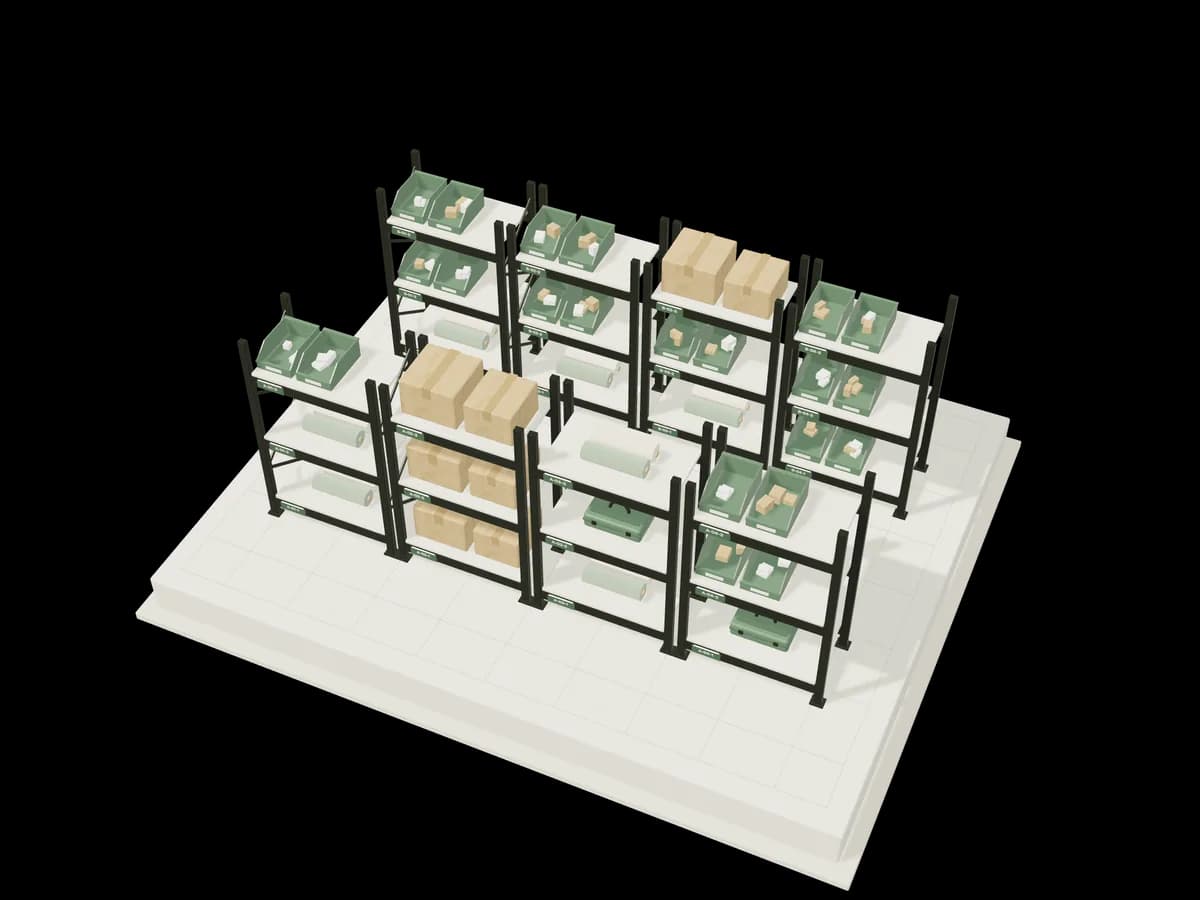
Shelving bays tagged with location codes, holding cartons and bins; one bay is marked as tracked.
Other templates at setup
These don’t have their own page. Each one is a starting configuration on the same engine; pick the closest and adjust it.
- Pharmacy
- Batches with expiry, manufacturer and MRP, picked first-expiring-first-out; boxes, strips and tablets convert.
- Auto Parts
- Part numbers, compatible models, OEM and brand.
- Furniture
- Material, dimensions and finish; manufacturing for made-to-order items.
- Manufacturing
- Raw materials, bundles, assembly and disassembly.
- Restaurant / Café
- Ingredients by weight or volume, recipes as bundles, consumption.
- Hotel & Hospitality
- Housekeeping supplies, minibar stock and assets.
- Corporate Asset Management
- Laptops, chairs and vehicles assigned to departments.
- General Inventory
- Quantity-tracked stock for any trading business.
- Custom Business
- A blank configuration you define yourself.
Pick a template, change what you need.
Create an account, choose the template closest to your trade, and switch on sample data at the end of setup if you want something to explore first.