

Wholesale and distribution
Sell by the carton, count by the piece.
A distributor buys in one unit and sells in another, agrees different prices with different customers, and gives credit. DataItemize keeps the conversion between cartons and pieces, holds stock for confirmed orders, and refuses an invoice that would take a customer past their credit limit.
Standard product
Mineral Water 1L
- Unit
- Piece
- Bought by
- Carton = 24 pieces
- Opening stock
- 2,400 pcs (100 cartons)
- Category
- Goods
What the template sets up
Choose Wholesale / Distribution when you create the business. This is your starting point; every part of it can be changed later in Settings.
- Tracking
- By quantity.
- Units
- Adds Carton, converting to 24 pieces. Add your own units and conversions, for the whole business or one item.
- Fields
- Brand and model.
- Price list
- The wholesale price list is the business default.
- Modules
- Inventory, Purchasing, Sales, Reports, Expenses. Point of Sale can be switched on.
What you can do today
Quote, order, invoice
Send a quote, confirm it as a sales order when the customer agrees, then invoice it. A confirmed order reserves the stock so it isn’t promised twice.
Prices per customer
Keep wholesale and retail price lists and assign one to each customer. Line prices can be edited on a document before it is issued.
Credit with a limit
Set a credit limit and payment terms per customer. Issuing an invoice that would exceed the limit is refused, with the reason.
Collect and allocate
Record a payment and allocate it across one or several invoices. The Receivables & ageing report groups what is still open by age.
Several warehouses
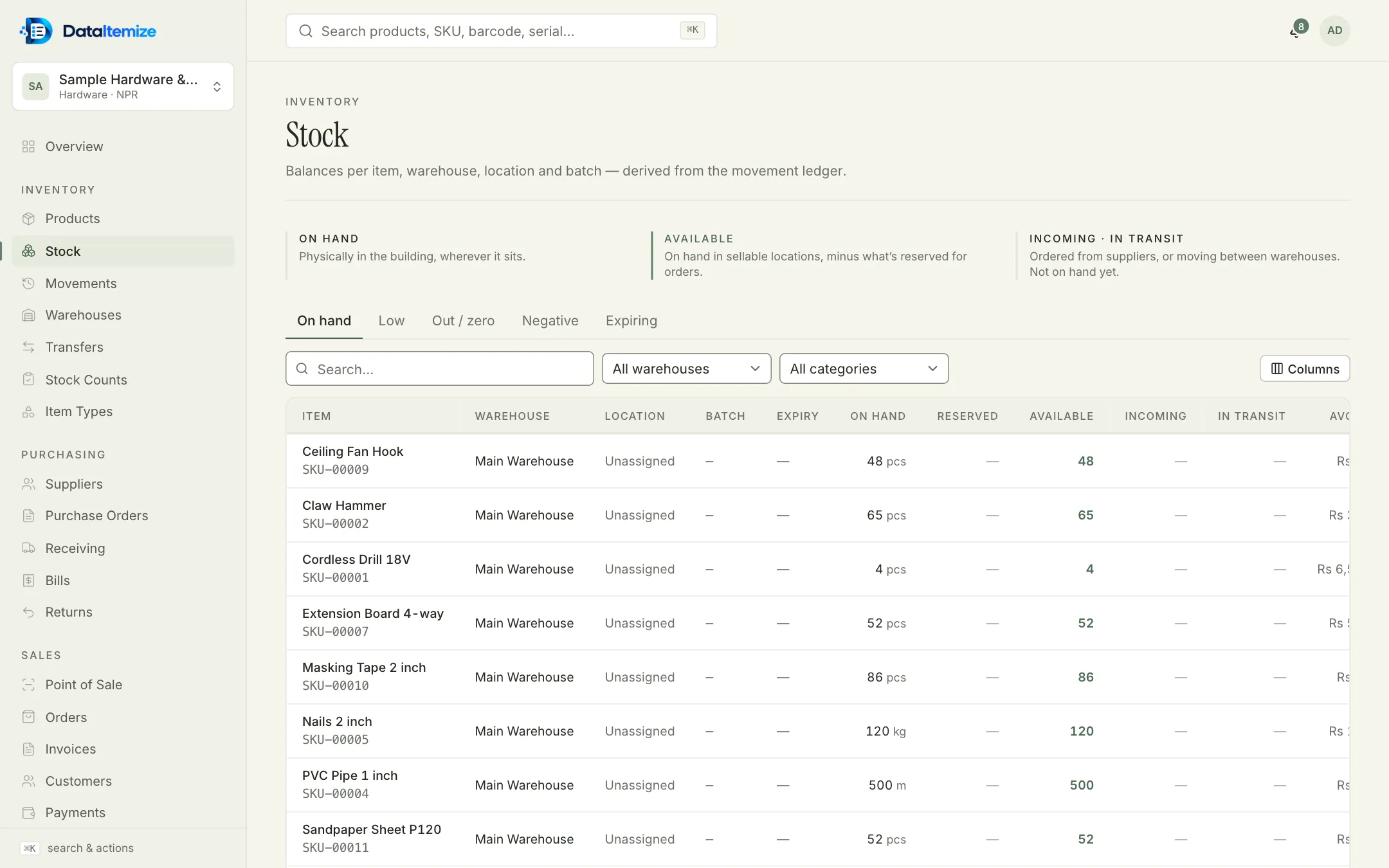
Move stock between warehouses with transfers that are requested, approved, shipped and received. Between ship and receive it shows as in transit.
What it doesn’t do
Worth knowing before you start. If one of these rules it out for you, tell us; it helps us decide what to build next.
- In the web app new lines start from the item’s selling price; the customer’s price list is applied through the API, not filled in automatically.
- There is no separate credit-note document; returns handle stock and refunds.
- There is no link to an accounting ledger yet.
Start from the Wholesale / Distribution template.
Create an account, choose the template closest to your trade, and switch on sample data at the end of setup if you want something to explore first.