

Clothing and footwear
One style, every size and colour.
A single T-shirt can be eight products on the shelf. Create the style once, choose its sizes and colours, and each combination becomes a variant with its own stock and barcode, so you can see that the medium in black is gone while the large is not.
Variant product
Classic T-Shirt
- Sizes
- S · M · L · XL
- Colours
- Black · White
- Variants
- 8, each with its own stock
- Brand / material
- Basics · Cotton
- Gender
- Unisex
What the template sets up
Choose Clothing & Fashion when you create the business. This is your starting point; every part of it can be changed later in Settings.
- Tracking
- Variants are the default item type.
- Options
- Size (XS to XXL) and colour (black, white, red, blue), both editable.
- Fields
- Brand, material, gender (men, women, unisex, kids), season (summer, winter, all season).
- Categories
- Tops, bottoms, outerwear, footwear.
- Modules
- Inventory, Purchasing, Sales, Point of Sale, Reports, Expenses.
What you can do today
Generate the variants
In the add-item wizard choose the sizes and colours; every combination is created as a variant.
Stock per size and colour
Each variant has its own stock in each warehouse, so a sold-out size shows up straight away.
Scan the exact variant
Scan a variant’s barcode at the counter and the right size and colour goes into the cart.
See what to clear
Fast-moving and slow-moving reports compare sales; Dead stock lists items with no outgoing movement in 90 days.
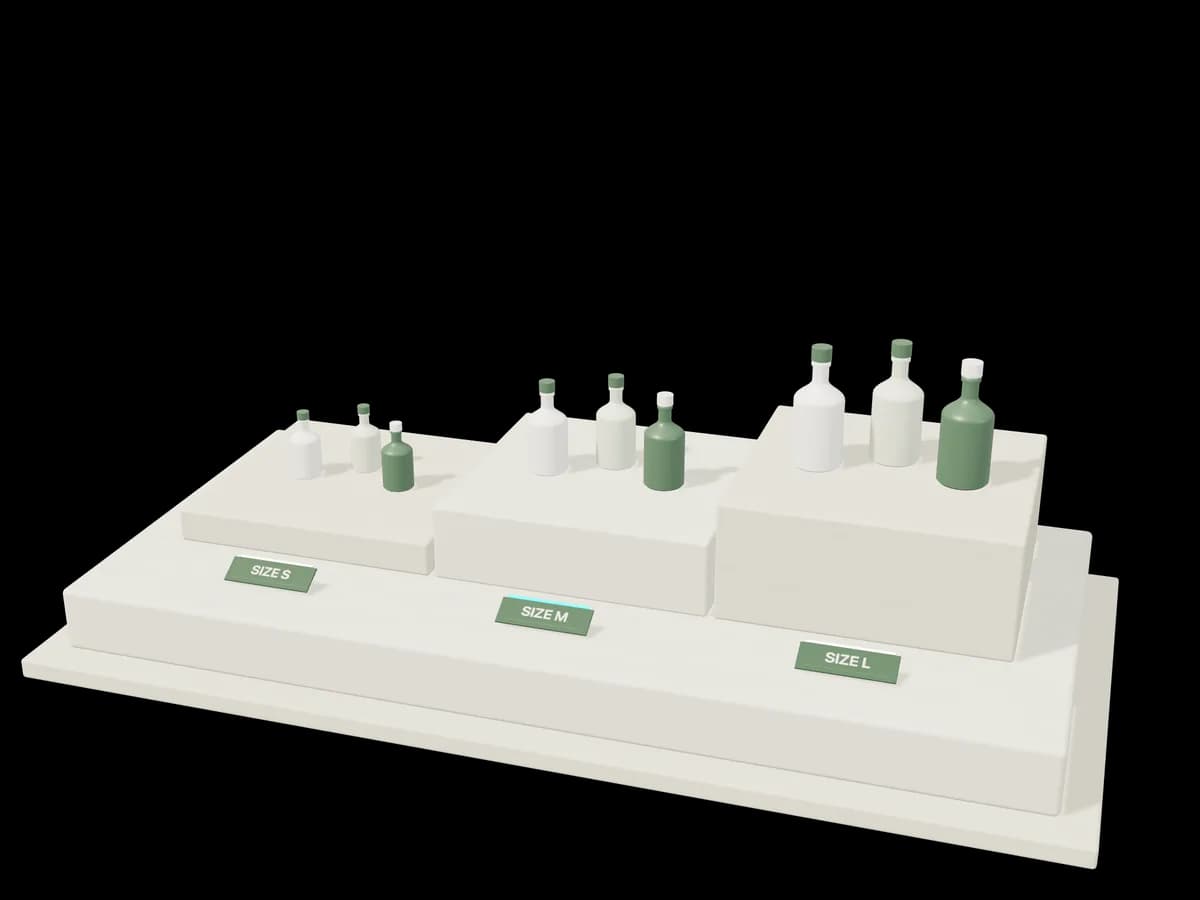
One product form in several sizes on a stepped plinth, each with its own tag.
What it doesn’t do
Worth knowing before you start. If one of these rules it out for you, tell us; it helps us decide what to build next.
- Season is a product field; there is no automatic markdown or end-of-season pricing.
- There is no built-in connection to an online store.
Start from the Clothing & Fashion template.
Create an account, choose the template closest to your trade, and switch on sample data at the end of setup if you want something to explore first.